Excel Data Cleaning &
Reporting Support
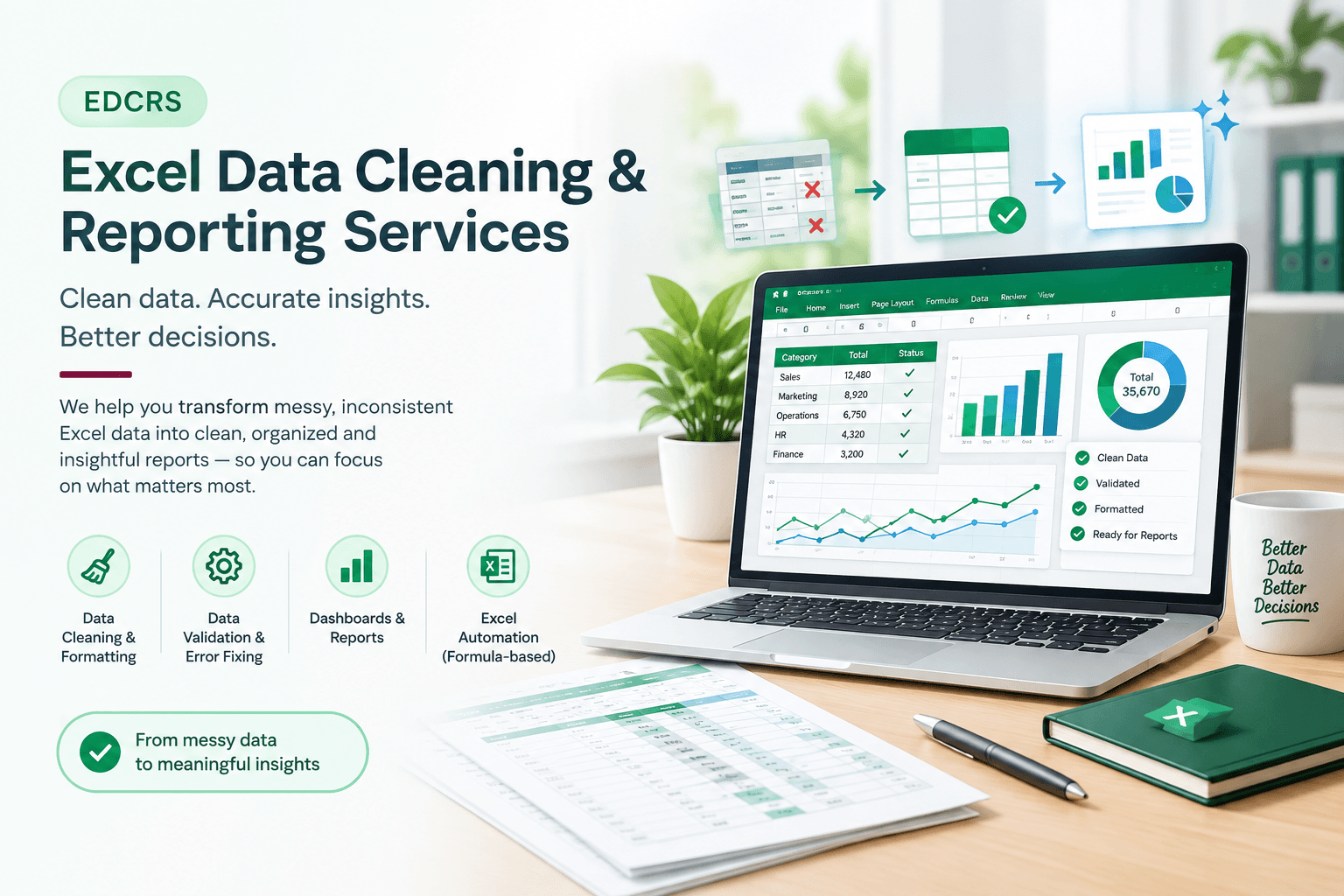
Transform spreadsheets into clean, structured and business-ready information that supports reporting, visibility and day-to-day decision-making.
Clean | Organise | Report | Understand
Introduction
Turning Spreadsheet Data into Business-Ready Information
Businesses regularly work with Excel files containing customer, employee, sales, operational, financial or other business information. When these files become difficult to maintain, reporting can take more time than necessary.
Duplicate records, inconsistent formatting, unstructured data and manually maintained reports can make information harder to review and use.
At Shree Vighnaharta, our Excel Data Cleaning & Reporting Support service focuses on organising this information into practical, structured and business-ready Excel solutions.
We can work with existing spreadsheets, clean and prepare information, create reports and dashboards, and provide ongoing reporting support according to the requirement.
From Raw Spreadsheet Data to Clear Business Reporting.
The Business Need
Why Businesses Need Better Excel Reporting
When business information is spread across multiple spreadsheets or maintained manually, preparing useful reports can become repetitive and difficult to manage.
Messy or unstructured spreadsheets
Duplicate or inconsistent records
Manual data-cleaning work
Difficulty preparing recurring reports
Inconsistent formatting
Limited visibility into key information
Time-consuming spreadsheet updates
Difficulty presenting information clearly
Better data preparation and reporting create a more organised foundation for understanding business information.
What We Provide
Excel Data Cleaning & Reporting Services
Practical Excel support covering the key stages from data preparation to reporting and dashboard presentation.
Component 1
Data Cleaning & Formatting
Clean, organise and standardise Excel data so that information is easier to review, analyse and report.
Component 2
Data Validation & Preparation
Review data for common quality issues and prepare structured information for reporting and analysis.
Component 3
Dashboard Creation
Create practical Excel dashboards that help present key business information in a clear and usable format.
Component 4
MIS Reporting
Prepare structured MIS reports for management, operations and regular business reporting requirements.
Component 5
Reporting Support
Support recurring reporting requirements, spreadsheet updates and ongoing Excel-based reporting activities.
Component 6
Spreadsheet Cleanup
Identify duplicate records, inconsistent formatting and other spreadsheet issues that affect usability.
Ideal For
Who Can Benefit?
Businesses, teams and professionals that regularly work with Excel data and reporting requirements can benefit from a more structured reporting workflow.
Small Businesses
Businesses that need organised reports and better visibility into their operational information.
Corporate Teams
Teams that regularly work with Excel data, MIS reports, trackers and management reporting.
Education & Training
Institutes that need structured student, enquiry, attendance or operational reporting.
Consultants & Professionals
Professionals who need structured spreadsheets, reports or dashboards for their work.
Healthcare Organisations
Organisations working with operational records, trackers and recurring reporting requirements.
Retail & Service Businesses
Businesses that need practical reporting support for sales, operations, customers or other data.
Our Approach
Practical Reporting, Not Just Spreadsheets
Excel reporting should help people understand and use business information. Our approach focuses on preparing structured data and creating reporting outputs that are practical for the intended business requirement.
Where appropriate, reporting can also provide a foundation for future analytics, process improvement or automation.
Accuracy
Data should be reviewed and prepared carefully before it is used for reporting or analysis.
Clarity
Reports should present important information in a way that is easy to understand and use.
Consistency
Standardised formats and reporting structures make recurring reports easier to maintain.
Usability
The final Excel solution should be practical for the people who need to work with it.
Our Process
Our Working Methodology
Every project follows a structured workflow based on the client's data, reporting requirement and intended use.
Requirement Understanding
Data & Source File Review
Data Cleaning & Preparation
Validation & Structuring
Report or Dashboard Development
Review & Corrections
Final Reporting Output
Client Delivery & Guidance
End-to-End Workflow
From Data to Business Reporting
A structured connection between source data, preparation, reporting and final business use.
Source Data
Existing Excel files, spreadsheets or business data are provided for review.
Data Review
The structure, formatting and common data-quality issues are examined.
Data Preparation
Information is cleaned, organised and prepared according to the requirement.
Reporting
Required MIS reports, summaries or dashboards are created.
Review
The output is checked against the agreed reporting requirement.
Final Delivery
The completed Excel reporting solution is prepared for business use.
Clean Data → Structured Reports → Better Business Visibility
Business Value
Benefits
Project Output
Deliverables
Depending on the project requirements, final deliverables may include:
Simple Pricing
Excel Data Cleaning & Reporting Support
Starting From
Final pricing depends on data volume, data complexity, reporting requirements, dashboard requirements and overall project scope.
Request a Custom QuoteFAQ
Frequently Asked Questions
Can you work with existing Excel files?
Yes. We can work with existing Excel files and review, clean, organise and improve them according to the project requirement.
Do you create Excel dashboards?
Yes. Dashboard creation is available where the project requires a structured visual view of business information.
Can you provide ongoing reporting support?
Yes. Recurring reports, dashboard updates and other Excel reporting requirements can be discussed as an ongoing support arrangement.
Is ₹1,499 the final price for every project?
No. ₹1,499 is the starting price. Final pricing depends on the data volume, complexity, reporting requirements and overall scope.
Ready to Improve Your Excel Reporting?
Whether you need spreadsheet cleanup, reporting support, dashboards or a structured Excel solution, we can discuss your requirement and identify the right approach.